 +86-0510-86219899


 English
 English
 русский
 Español


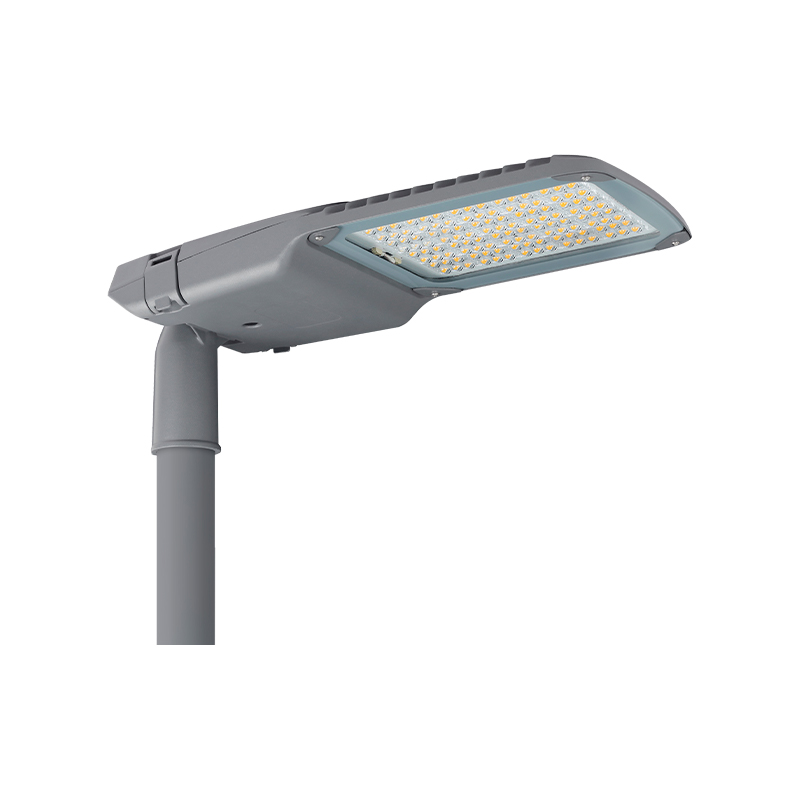
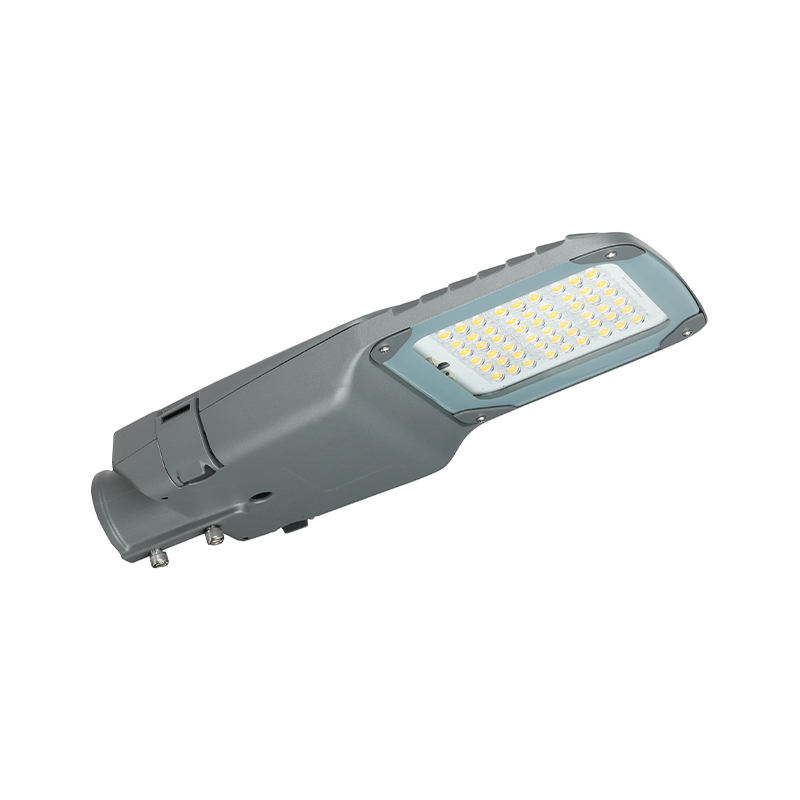
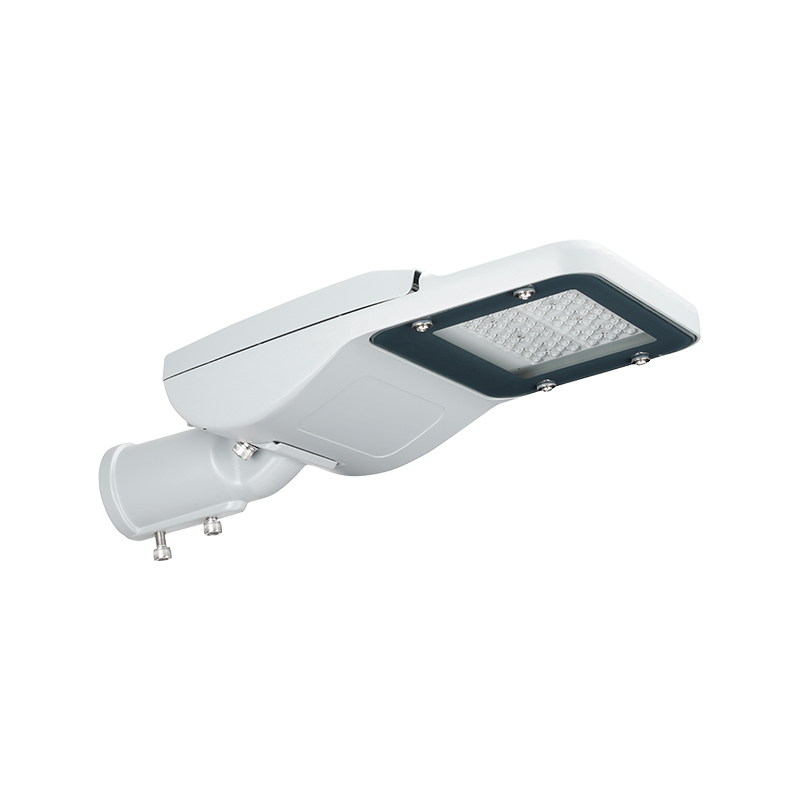
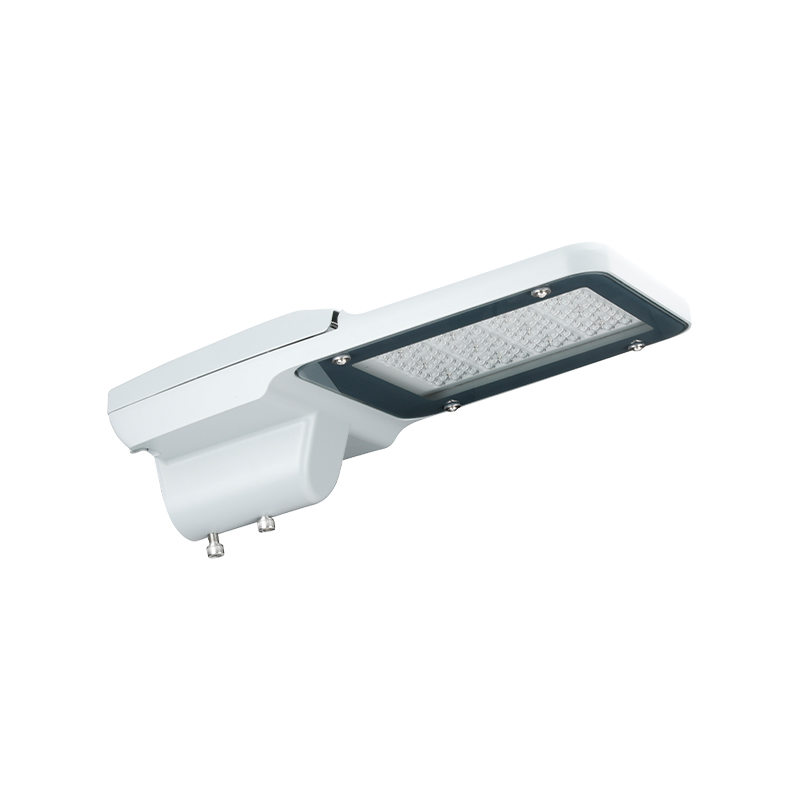
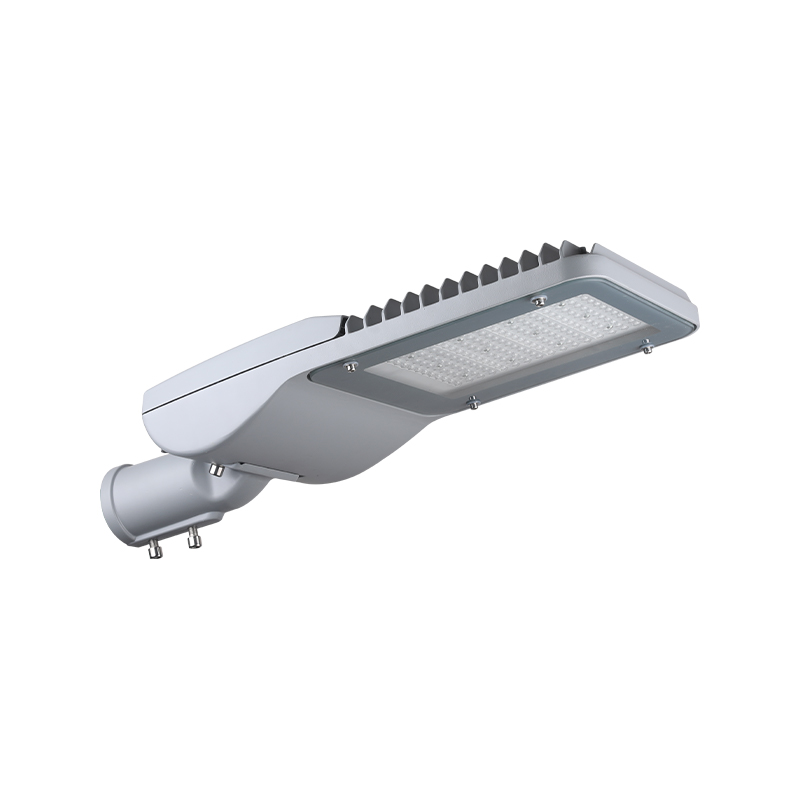
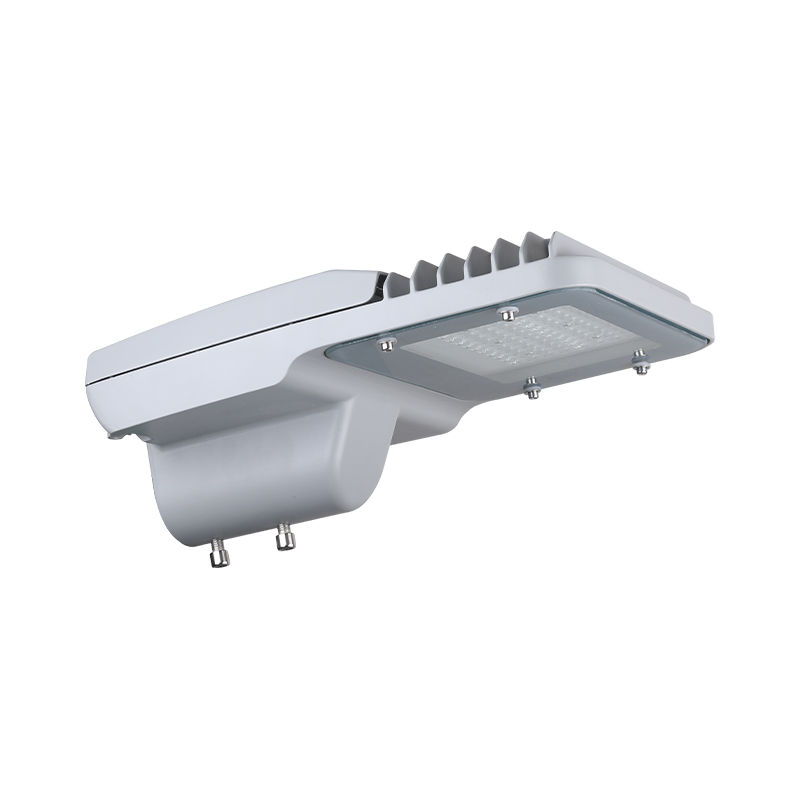
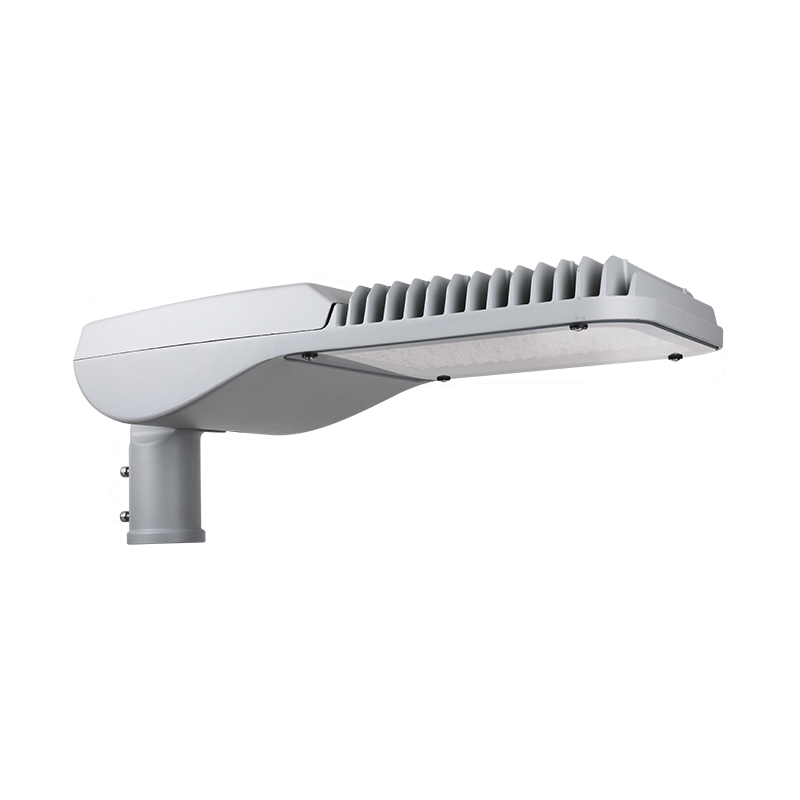
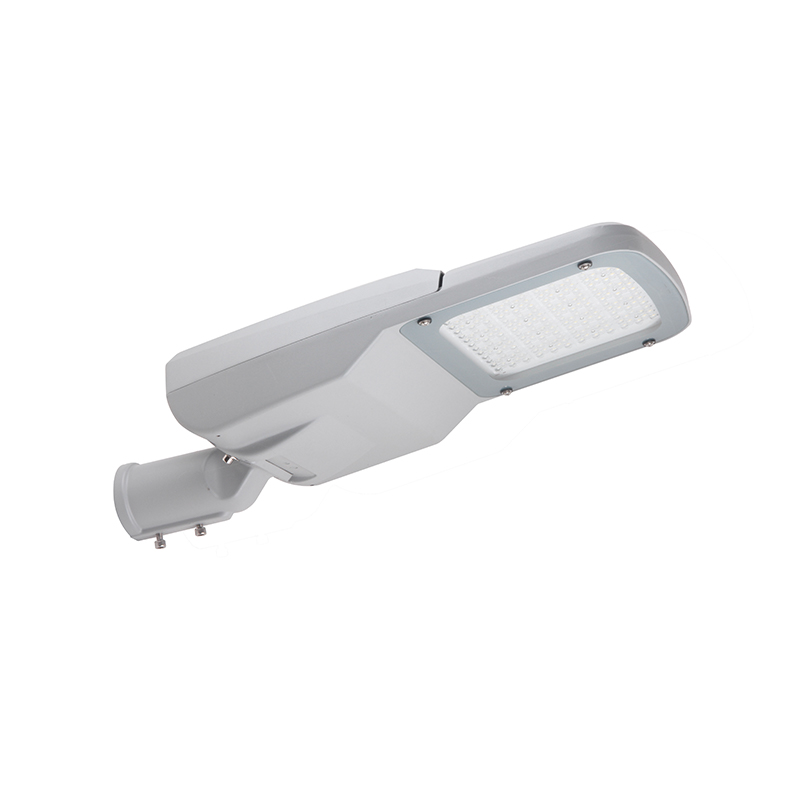
Operating Cycle
Dusk Ambient light falls below the photocell threshold. The sensor closes the circuit and the luminaire switches on.
Night The fixture remains at the configured output level. Dimming or motion override can be added depending on the model.
Dawn Ambient light rises above the threshold. The sensor opens the circuit and the luminaire switches off.
Day The luminaire remains off. The photocell continues to monitor ambient light and is ready for the next cycle.
Photocell Control Elements
Threshold Setting
The light level at which the sensor switches. Threshold is expressed in lux and determines whether the fixture reacts to early dusk, late dusk, or overcast conditions.
Time Delay
A built-in delay prevents the luminaire from switching in response to transient light such as car headlights, lightning, or passing shadows.
Hysteresis
The difference between the switch-on and switch-off light levels. Adequate hysteresis prevents oscillation around the threshold point.
Sensor Placement
The photocell window must be oriented away from the luminaire own light output and away from reflective surfaces that could cause self-switching.
Bypass Option
Some models allow the photocell to be bypassed for constant-on operation or for control by an external building management system.
Fail State
Defines whether the fixture defaults to on or off if the photocell fails. For security applications, default-on is usually specified.
Selection Factors
Site Conditions
- Typical night duration at the project latitude
- Presence of street lighting or other ambient sources
- Exposure to vehicle headlights or reflective surfaces
- Seasonal variation in daylight hours
Fixture Configuration
- Wattage and lumen output for the coverage area
- Beam distribution and mounting height
- Color temperature for visibility and neighborhood fit
- Housing material and IP rating for outdoor exposure
Technical Parameters
| Control Type | Integrated photocell, optional motion override |
| Switch-On Threshold | Configurable by model, typical range covers normal dusk conditions |
| Time Delay | Built-in delay to reject transient light events |
| Color Temperature | 3000K, 4000K, and 5000K options |
| Ingress Protection | IP65 and IP66 rated housings |
| Impact Rating | IK08 and above for exposed installations |
| Surge Protection | Available for areas with unstable power supply |
| Mounting | Wall, pole, and post-top configurations |
| Housing | Die-cast aluminum with corrosion-resistant finish |
Application Notes
Perimeter Walls
Wall-mounted units with asymmetric distribution along the fence line. Sensor oriented away from the wall surface.
Driveways and Entrances
Post-top or wall-mounted fixtures at the entry point. Confirm coverage does not create dark gaps between units.
Service Yards
Pole-mounted luminaires at height to cover loading and storage areas. Consider higher output for larger areas.
Parking Areas
Combination of pole-mounted and wall-mounted units. Photocell must not be affected by adjacent fixtures.
Industrial Gates
Directional fixtures aimed at the gate zone. Motion override can raise output when activity is detected.
Residential Compounds
Lower wattage units with warmer color temperature to limit intrusion into adjacent properties.
Installation Points
- 01
Position the Photocell Window
Point the sensor toward open sky and away from the luminaire beam, reflective walls, and other light sources.
- 02
Avoid Shadow and Obstruction
Trees, overhangs, and signage can cast shadows across the sensor and cause early or late switching.
- 03
Verify Wiring Polarity
Confirm line, neutral, and ground connections before energizing. Incorrect wiring can damage the photocell circuit.
- 04
Test After Installation
Cover the sensor window to simulate dusk and confirm switch-on. Uncover to confirm switch-off after the time delay.
- 05
Check Adjacent Fixtures
Confirm that nearby luminaires do not shine into the photocell window, which can cause cycling.
- 06
Record Settings
Note the model, threshold configuration, and installation position for future maintenance reference.
Frequently Asked Questions
Why does the light switch on and off repeatedly at dusk
This usually indicates insufficient hysteresis or a time delay that is too short. If the ambient light level hovers near the threshold, the sensor may oscillate. A longer delay setting or a different threshold configuration resolves most cases.
Can the photocell be affected by the fixture own light
Yes, if the sensor window is positioned where the luminaire beam reaches it. This causes the fixture to switch off shortly after turning on, then switch on again, creating a cycle. The sensor should be shielded from the fixture output.
Do these fixtures work in overcast daytime conditions
If the ambient light level during heavy overcast falls below the threshold, the fixture may switch on. The threshold setting and time delay determine how the fixture responds to temporary darkening from storms or dense cloud cover.
Is a motion sensor available together with the photocell
Yes. Combination models use the photocell to enable night operation and the motion sensor to raise output when activity is detected. During the day, the motion sensor is disabled and the fixture remains off.
What happens if the photocell fails
Behavior depends on the model. Some fixtures default to constant on, which is preferred for security applications. Others default to off. Confirm the fail state specification before selecting a model for a security-critical location.
How often should the sensor window be cleaned
Dust, insects, and bird droppings on the sensor window can affect switching accuracy. Inspect and clean the window every six to twelve months, or more frequently in dusty or coastal environments.
Maintenance Notes
Clean the photocell window with a soft, damp cloth. Do not use solvents or abrasives.
Re-test the switch-on and switch-off behavior after any maintenance on the fixture.
Replace the photocell module if switching becomes erratic after cleaning and reconfiguration.
Confirm the fixture remains sealed after opening the driver or sensor compartment.
Record any threshold or delay changes in the site maintenance log.
Verify that seasonal daylight changes do not require adjustment of the threshold setting.
15+
Experience
Pioneering Excellence in Lighting Technology
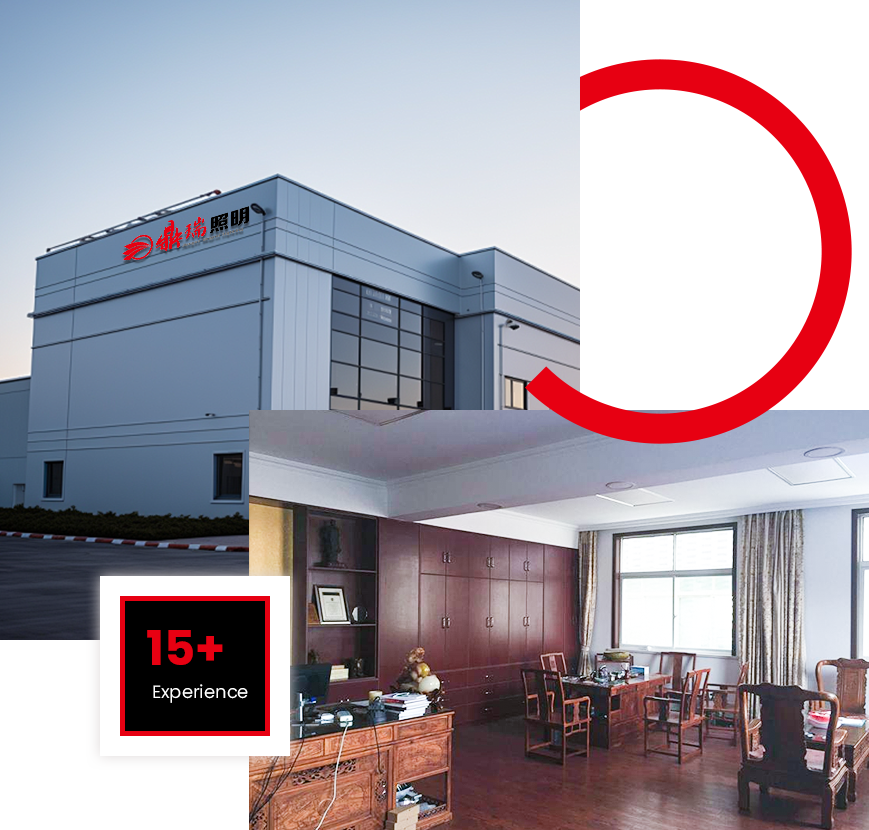
With 15+ years of experience in professional lighting, Jiangsu Dingrui Lighting Technology Co., Ltd. develops LED lighting for commercial, industrial, outdoor applications. With 20,000+ square meters of production space, R&D, automated manufacturing, and strict quality control, we deliver reliable products with consistent performance and long service life. We are Custom Dusk To Dawn Security Lights Manufacturers.
For distributors, contractors, engineering companies, and project buyers, we focus on stable quality, energy efficiency, certification compliance, and dependable supply. Products undergo testing for optical performance, thermal stability, waterproofing, and service life, with compliance to CE, RoHS, ISO9001, and UL.
DingRui combines engineering expertise and quality management to reduce procurement risks and deliver reliable lighting across commercial, industrial, road, and landscape uses.


 Add.: Jiepai Town, Danyang City, Jiangsu Province, China.
 Tel: +86-0510-86219899
 Phone: +86-18601236320
 Email:
